
Convert documents
Convert PDF to Word
Convert to editable Word content, or keep each page as an image.
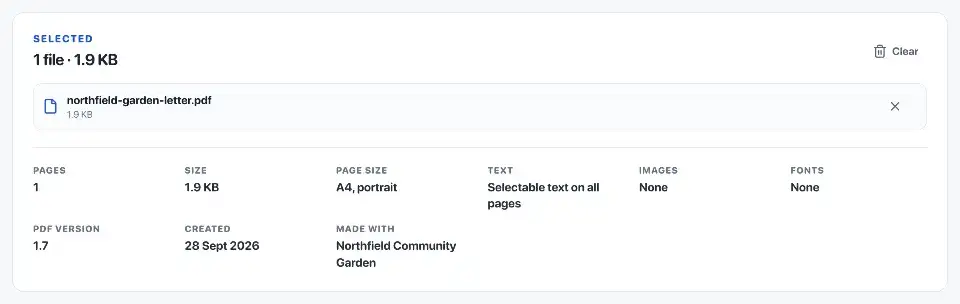
Choose a file
Choose one PDF, up to 120 pages or 120 MB.
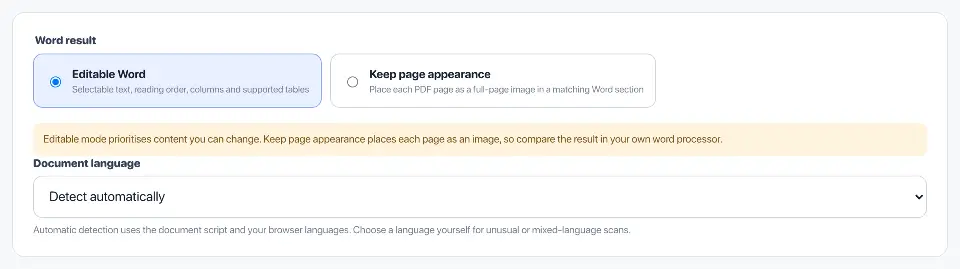
Choose editable text or page images
Convert a PDF to DOCX for further work in a word processor. The two modes serve different purposes: editing the content or keeping the visible page layout.
Editable Word for changes to the text
Editable Word turns readable PDF text into Word content. It reconstructs reading order, columns and supported tables so you can change the wording and formatting.
Scan-only pages use text recognition. If no readable text can be recovered from a page, it is kept as an image rather than left out. Check recognised words, especially names, numbers and faint print.
Keep page appearance for a visual copy
Keep page appearance places an image of each PDF page into a matching Word section. Use it for a certificate, brochure or form when the layout matters more than changing the text.
The text inside those page images does not become editable Word paragraphs. Choose Editable Word if the next step is rewriting a letter or updating a report.
Try a representative page first
A simple letter is easier to convert than a magazine page with overlapping images and text. Extract a representative page from a long document and try the mode you intend to use before converting the whole file.
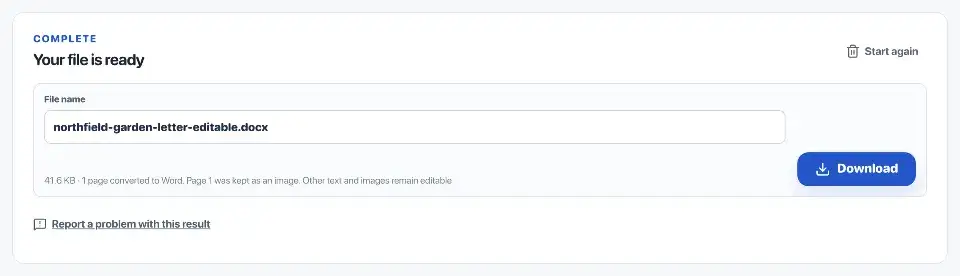
Open the DOCX in your word processor and compare reading order, headings, lists, tables, pictures and page breaks with the PDF. Some complex pages may need manual adjustment.
Convert up to 120 pages at a time
One job accepts up to 120 pages. Conversion and any OCR run in this browser; the source PDF is not uploaded to a processing server. Keep it beside the DOCX until you have checked the result.
Questions
Which Word mode should I choose?
Choose Editable Word to change the wording. Choose Keep page appearance when the PDF’s layout matters more than editable text.
What remains editable in Word?
Editable Word reconstructs text, reading order, columns and supported tables as Word content. Check the result in your word processor before revising it.
How does Keep page appearance work?
It places a rendered image of each PDF page in a matching Word section. The page appearance is retained, but its contents are not freely editable.
How are scanned PDFs converted?
Scan-only pages use OCR in this browser. Review recognised text in Word, especially when the source is faint, handwritten or unusually arranged.